

Quick start
Create your account and go from your first prompt to a generated app, step by step.
Archie vs. other tools
How Archie compares to Lovable, Bolt, Base44, v0, Replit, and Cursor.
What makes Archie different
Definition first
Archie generates a plan — modules, user types, services, and integrations — before it writes any code. You steer it while changes are still cheap.
Full-stack by default
Every app ships with a real backend: a relational database, GraphQL and REST APIs, authentication, and role-based access, all on Archie Core.
Built to ship
The output is a deployed application on a global CDN, not a throwaway demo. Keep building on it with chat, the visual editor, code, or GitHub.
How Archie works
1
Describe your idea
Write what you want to build in plain language. Archie may ask clarifying questions, and you can attach reference material. See Best practices.
2
Shape the plan
Archie generates a structured plan: an overview, the modules your app needs, the user types who use it, the system services it relies on (auth, file storage, roles), and the integrations it talks to. Edit it directly or through the plan chat until it matches what you mean. Archie picks the tech stack for you.
3
Generate the frontend and backend
From the plan, you run two independent tracks. Generate Frontend lays out every screen in a sitemap, then builds a click-through prototype from the screens you choose. Generate Backend builds the database schema and APIs on Archie Core. See When to run the build.
4
Go full-stack
Once the prototype looks right, Generate Full-Stack turns it into a real, deployed application: a React frontend on a global CDN, connected to a backend with a relational database, GraphQL and REST APIs, authentication, and role-based access.
5
Keep iterating
Talk to Archie, use the visual editor, or edit the code. For structural changes — a new module, a new user type — go back to the plan and generate again.
Why the plan comes first
The plan is structured text, so it’s cheap to change. A build is expensive: it costs time and credits, and a build from the wrong idea gets thrown away. Archie moves your decisions to the point where they cost the least. It’s also why Archie apps hold up after the demo. When an app is generated straight from a prompt, nothing defines its structure — who the users are, what each can do, how the data fits together — and that’s why so many AI-built apps stall before they become real products. In Archie, the plan provides that structure before any code exists, and the build follows it.Develop and debug your app
- Talk to Archie
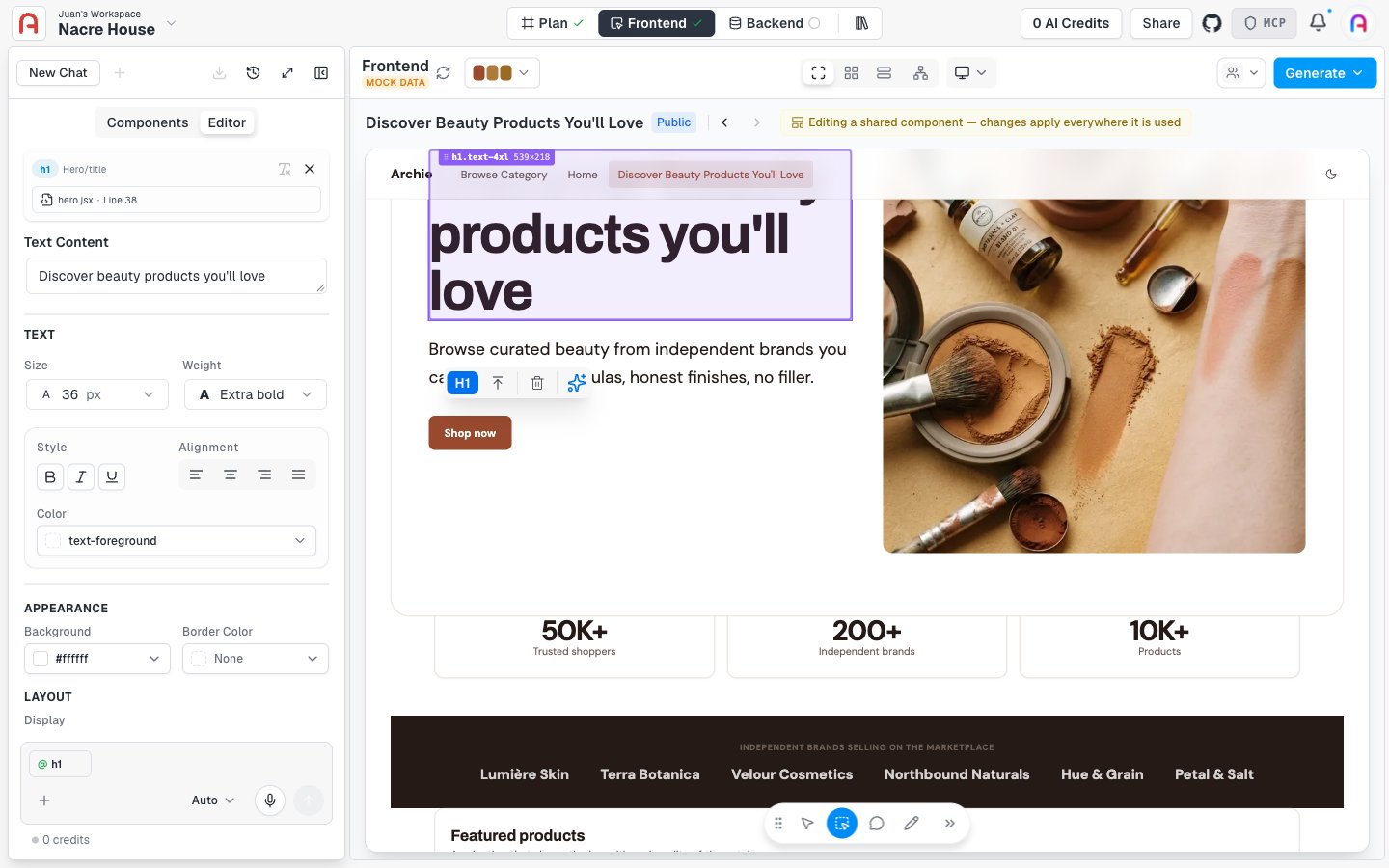
- Visual editor
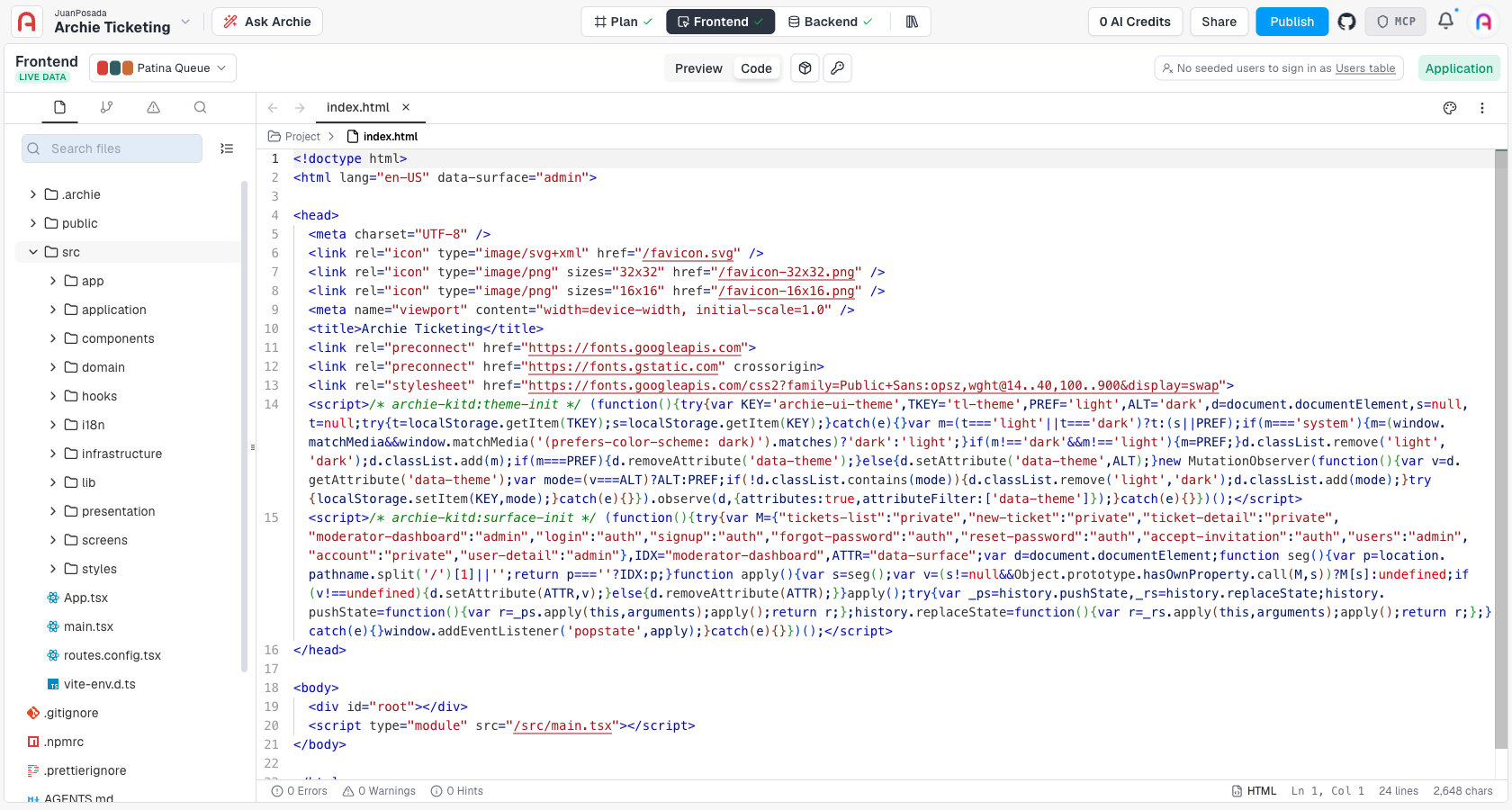
- Code and GitHub
- Activity and logs
- Project structure
The chat is the main way to edit the running app. Describe a change in plain language (“add a search field to the orders page”, “make the dashboard sidebar collapsible”) and Archie applies it across the relevant files. The chat understands your project’s structure and writes code that matches the existing patterns. See Talking to Archie.
Explore the docs
Plan
The definition of your app: modules, user types, services, and integrations.
Frontend
UI architecture, the prototype, the generated React app, and the editors you use after the build.
Backend
Archie Core: data model, auto-generated APIs, auth, roles, environments, and integrations.
Assets
Upload and manage the images, videos, and documents your app uses, and reference them anywhere.
Common tasks
Edit your data model
Add tables, fields, and relationships. APIs regenerate automatically.
Add an integration
Stripe, SendGrid, Twilio, Slack, Shopify, or build your own.
Manage environments
Branch development and staging environments, compare schemas, and merge changes to production.
Get an API key
Authenticate external clients with scoped, per-environment API keys.
Who Archie is for
Archie is for founders, product teams, designers, and developers who want to move fast without ending up with code they have to throw away. You don’t need to know how to code — you describe the app and Archie builds it. If you do write code, you get full access to the code, the data model, and the infrastructure.Coming soon: Specifications. A detailed layer between the plan and the code — functional, visual, and technical design documents that the build agents read before writing anything. When it ships, the flow becomes prompt → plan → specifications → code.