

master.
The service page
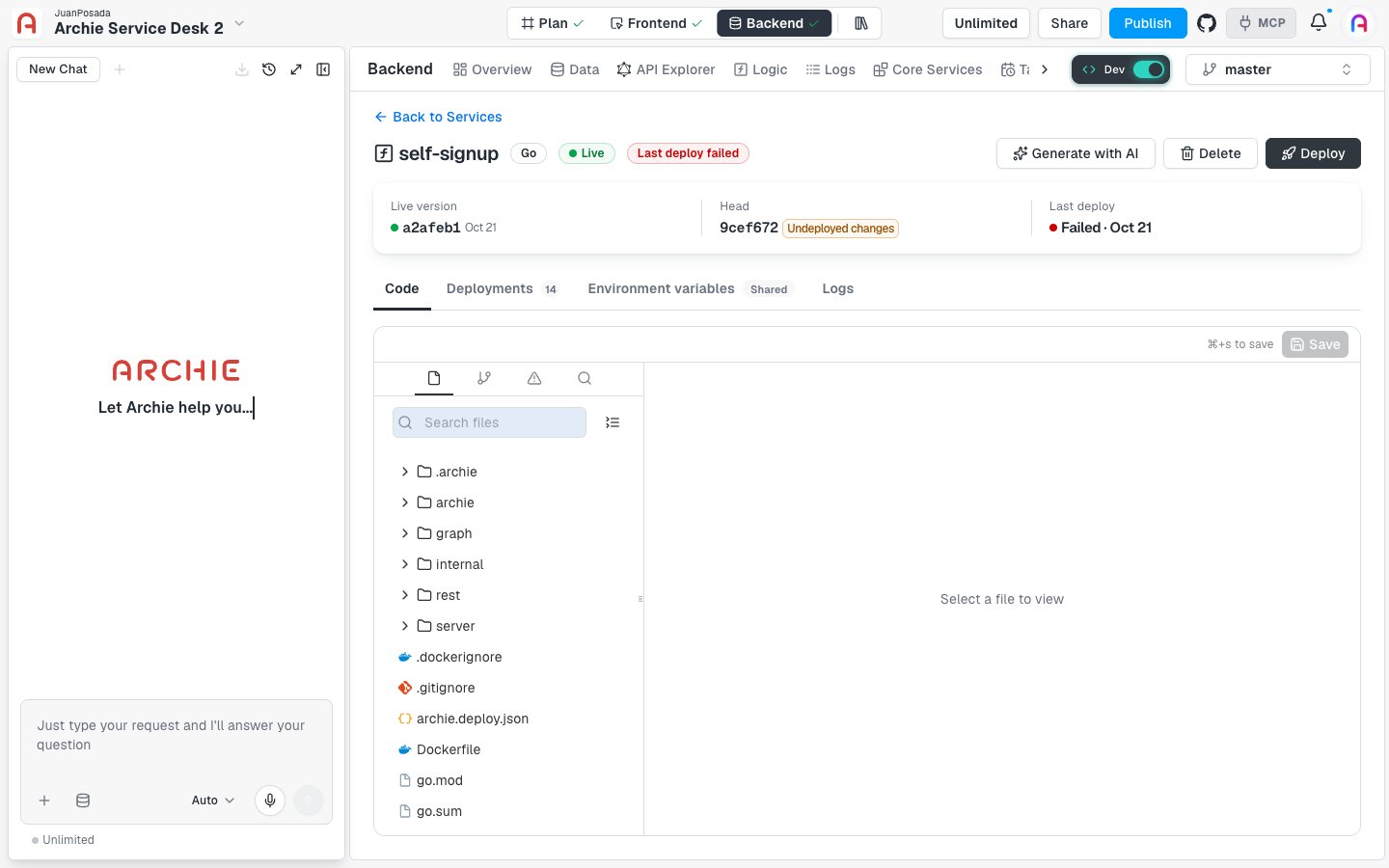
Header
The header shows:- The service name and its language, such as Go.
- Status badges. Live means a version is running. Last deploy failed means the most recent deploy didn’t succeed. Other states you may see are Never deployed, Deploying, Disconnected, Unavailable, and Deleting….
- Generate with AI, Delete, and Deploy.
Version bar
The bar under the header compares three things:
Undeployed changes doesn’t mean you have unsaved edits. It means the repository has a commit that isn’t live yet. Click Deploy to build the latest commit.
The Code tab
The Code tab is an in-browser editor for the service’s repository.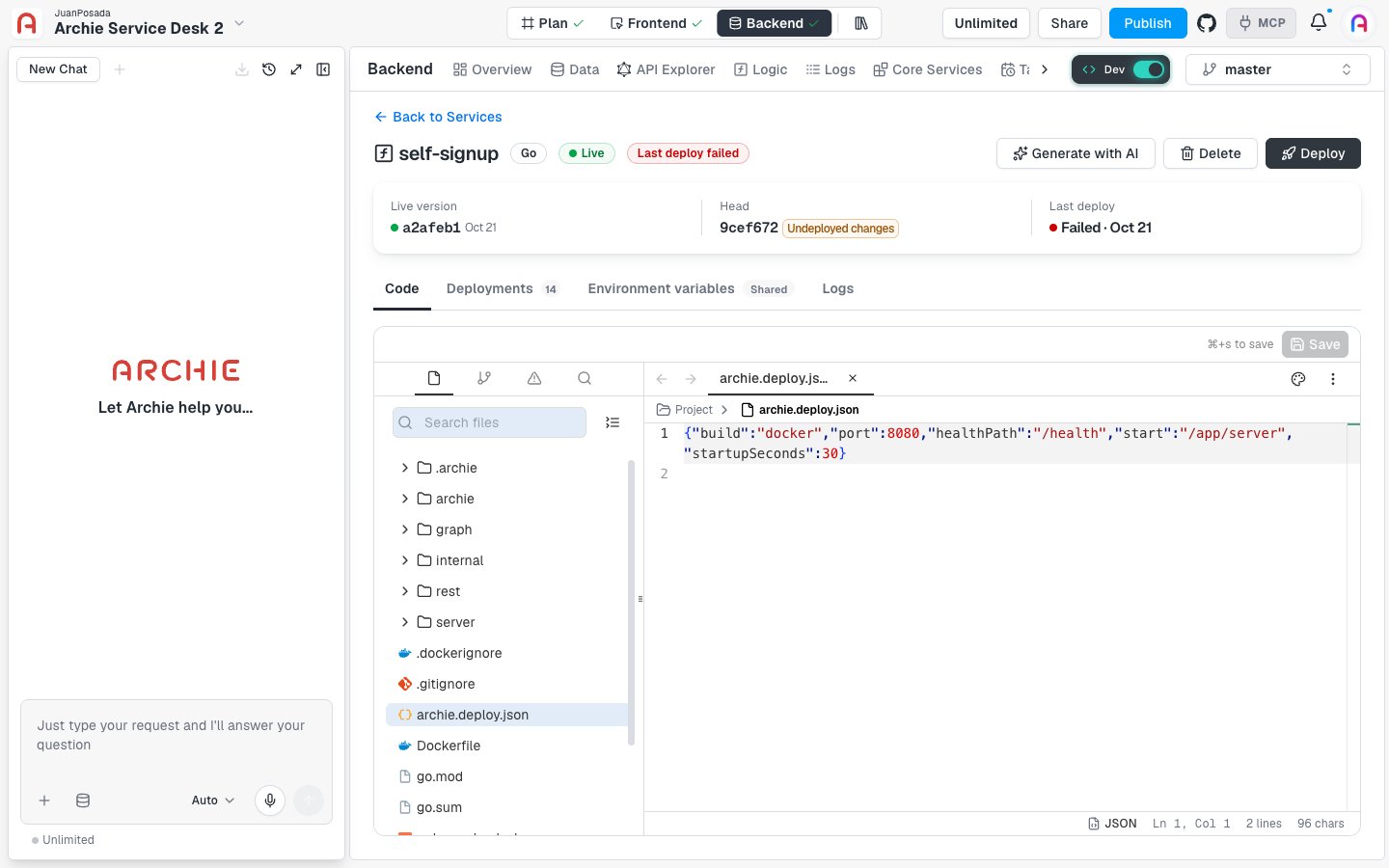
- The file tree, with a Search files box. This is the view that opens first.
- Changes, which lists the files you edited but haven’t saved. It shows a count and reads No changes when everything is saved.
- A diagnostics view for problems in your code.
- A search view for searching across files.
What’s in a service
A service created from scratch is a small, working server. The Go template includes:
Other languages use their own layout. Open
README.md in your service to see the commands for running it on your machine.
The deploy file
Every service has anarchie.deploy.json file. Archie needs it to deploy, and you can’t delete it. The Go template contains:
The editor validates this file as you type. It reports invalid JSON, a file that isn’t a JSON object, unknown properties, missing properties, and invalid values.
Save and commit
Edit a file, then click Save or press ⌘ + S. Archie asks for a Commit message. Each save creates a commit in the service’s repository, and the editor then shows Saved · not deployed. Saving doesn’t change what’s live. To run your changes, click Deploy. See Deployments. A few limits apply:- Files larger than 1 MiB open as read-only.
- The repository has no conflict protection, so the last save wins. If someone saved a newer version while you had unsaved changes, the editor offers to Review or Discard your draft.
- If a service shows Disconnected, its code is safe but the deploy service no longer knows it. Click Re-register to reconnect it before you edit or deploy.
Logs
The Logs tab doesn’t show logs itself. It reads “Logs live in your environment” and points to the environment logs. This service’s output appears there together with the other services in the environment. Per-service logs are marked as coming later.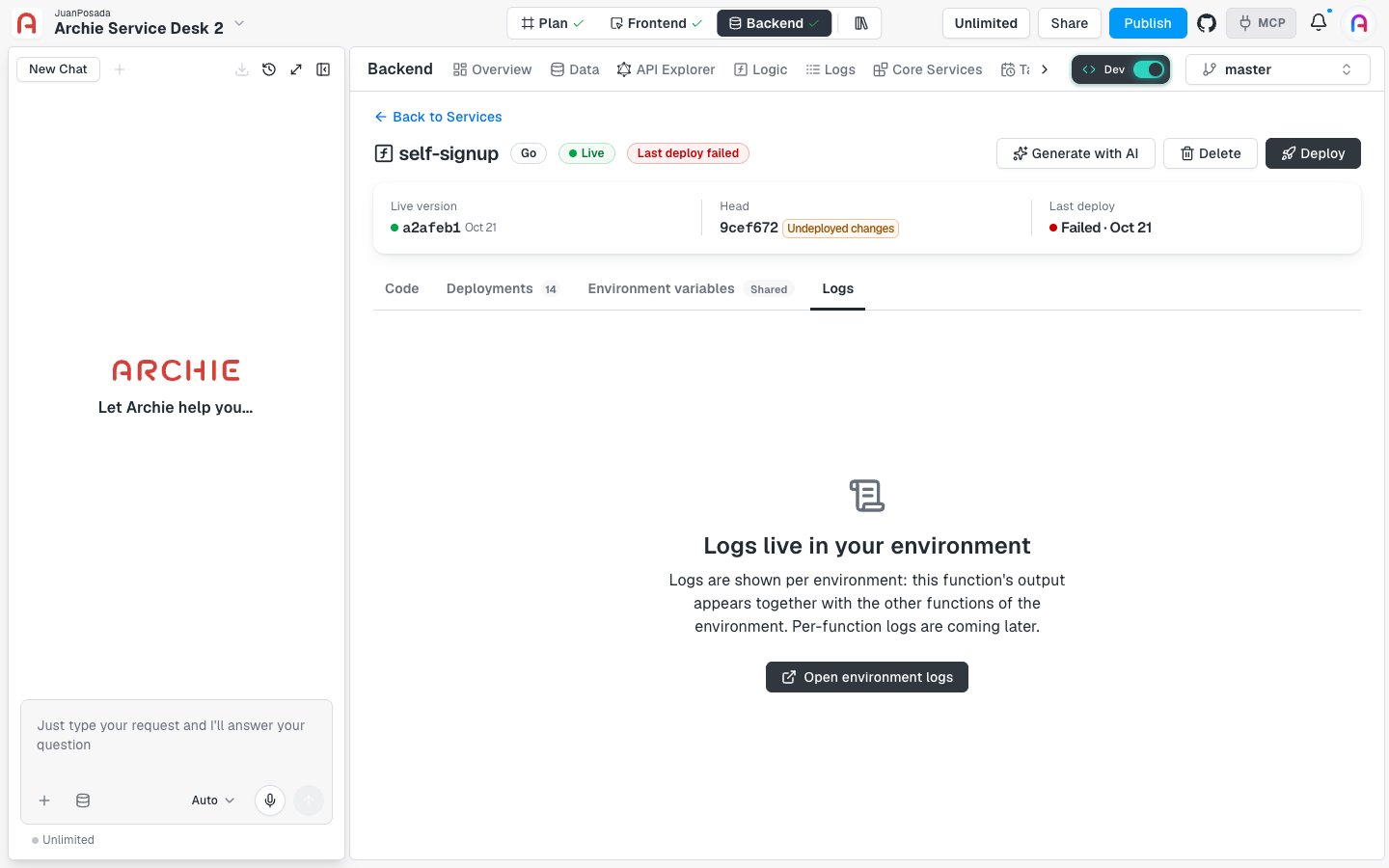
Generate with AI
Click Generate with AI in the header to add a function to an existing service. A panel opens on the right.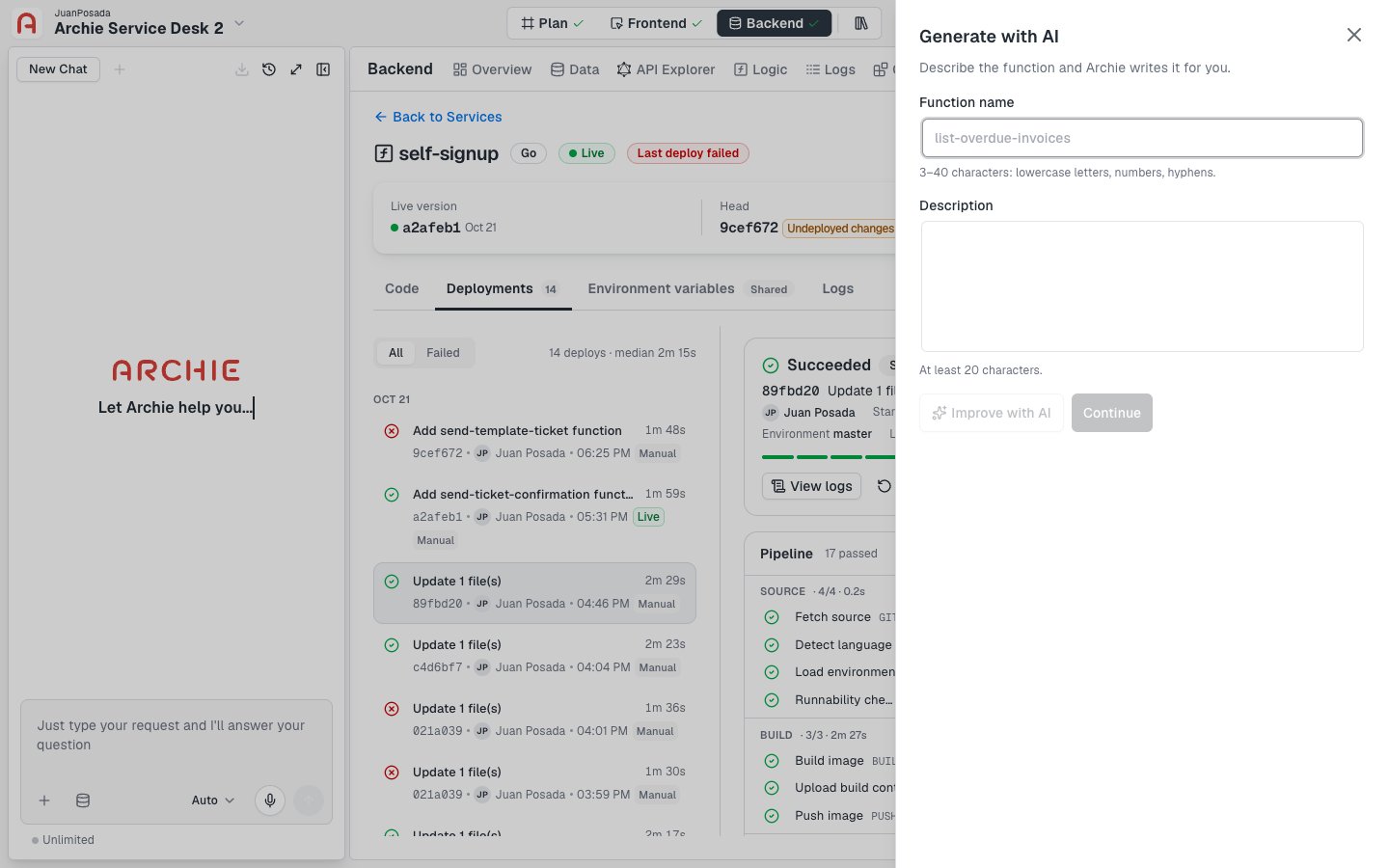
- Enter a Function name. Use 3–40 characters: lowercase letters, numbers, and hyphens.
- Describe what the function should do in Description. Write at least 20 characters. Click Improve with AI to refine your text.
- Click Continue.
Delete a service
Click Delete in the header, or open the Actions menu on the Logic list and choose Delete. Archie asks you to type the service name to confirm.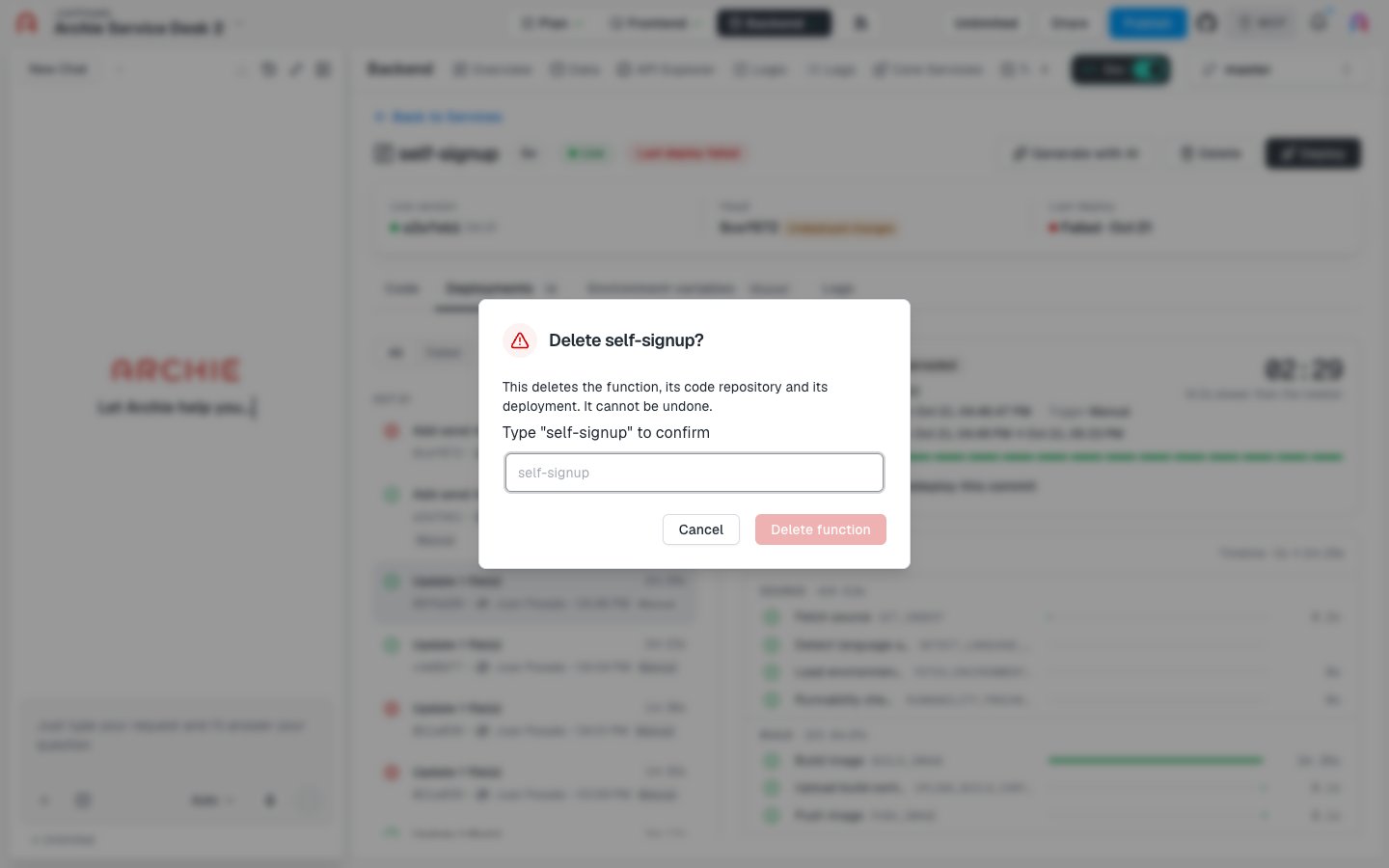
FAQ
What's the difference between a service and a function?
What's the difference between a service and a function?
A service is the deployable unit: one repository, one language, one deploy history. A function is one operation inside it, such as a GraphQL query, a GraphQL mutation, or a REST route. A service can hold several functions, and each deploy ships them all together.
Why does Head differ from the live version?
Why does Head differ from the live version?
Head is the latest commit. The live version is the last commit that deployed successfully. They differ after you save and before you deploy, or after a failed deploy.
Can I open a service in a new tab?
Can I open a service in a new tab?
Yes. In the Logic list, open the Actions menu on a row and choose Open in new tab.