

Expose to apps
The Expose to apps tab lists the runtime operations your apps can call once Archie AI is active.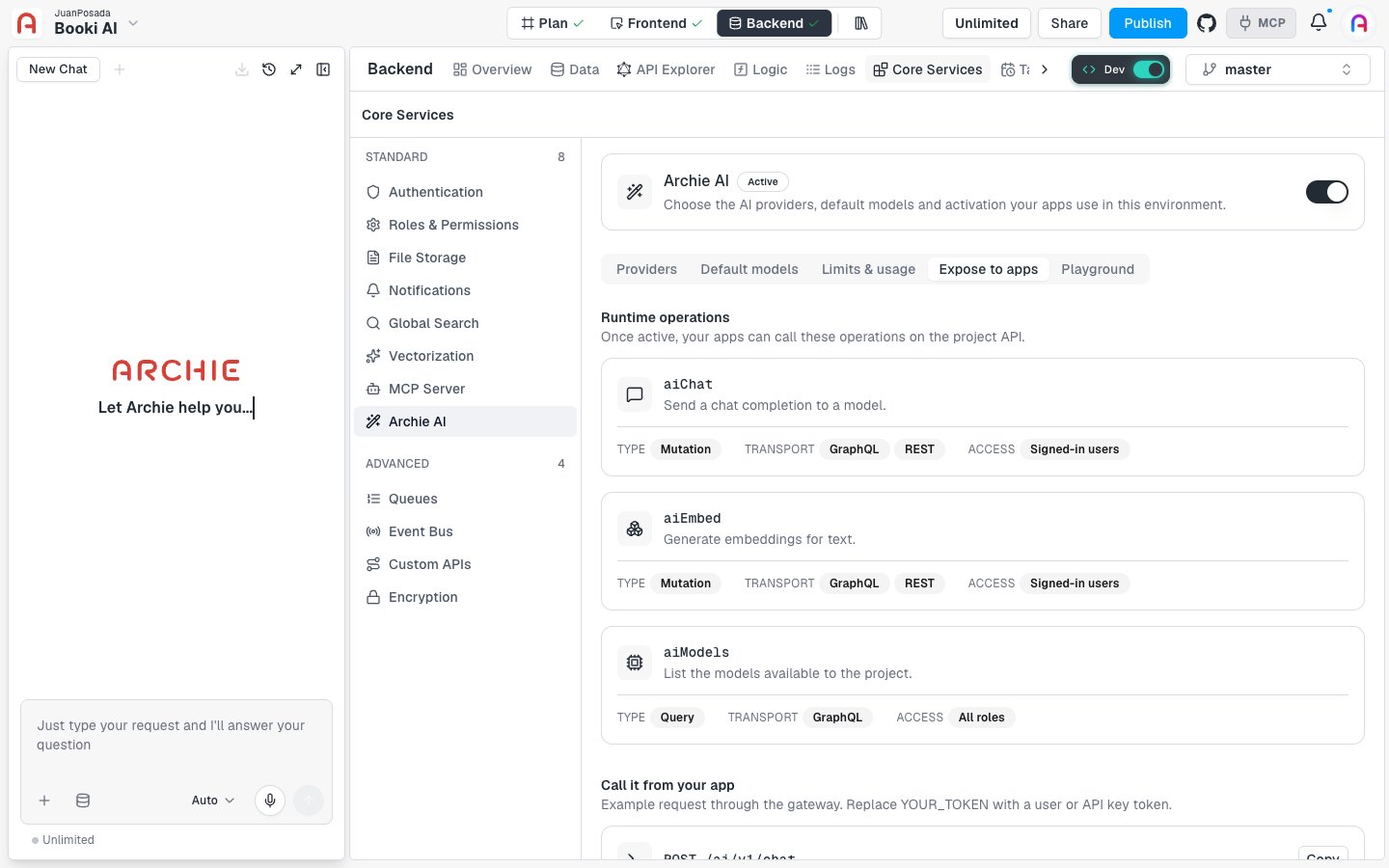
Call it from your app
Below the list, Call it from your app shows an examplePOST /ai/v1/chat request through the gateway. Click Copy, then replace YOUR_TOKEN with a user token or an API key token. See API keys.
Gateway rules
The tab also lists the gateway rules:- Streaming responses use Server-Sent Events (SSE).
- Timeout headers are set to 600 seconds.
- Rate limit: 60 requests per minute per user.
- Everything under
/_internalis denied.
Playground
The Playground tab sends a prompt to a model so you can try it before building against it.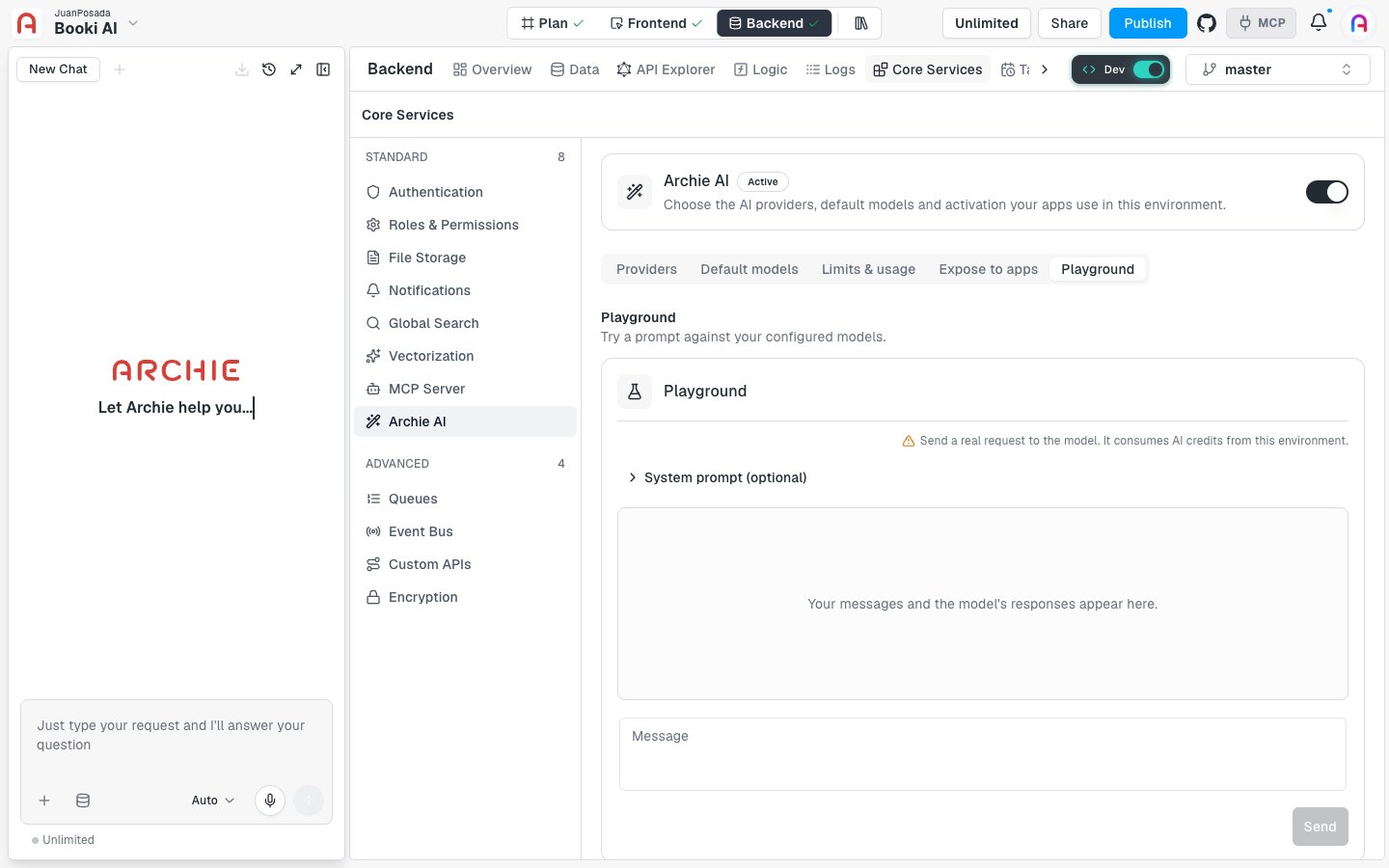
- Pick a Model, or keep Console default to use your default model. The model list appears once you enable a provider.
- Optionally expand System prompt (optional) and add instructions.
- Type your prompt in Message and click Send, or press ⌘ + Enter.
FAQ
Who can call these operations?
Who can call these operations?
aiChat and aiEmbed require a signed-in user. aiModels is available to all roles.