> ## Documentation Index
> Fetch the complete documentation index at: https://archie.com/docs/llms.txt
> Use this file to discover all available pages before exploring further.
# Navigation
> Switch between screens, check devices and dark mode, track generation progress, and filter by user type.
Alongside the [view modes](/docs/features/design/screens/views), the toolbar at the top of Screens gives you a set of controls that apply no matter which view you're in.
## Switching screens
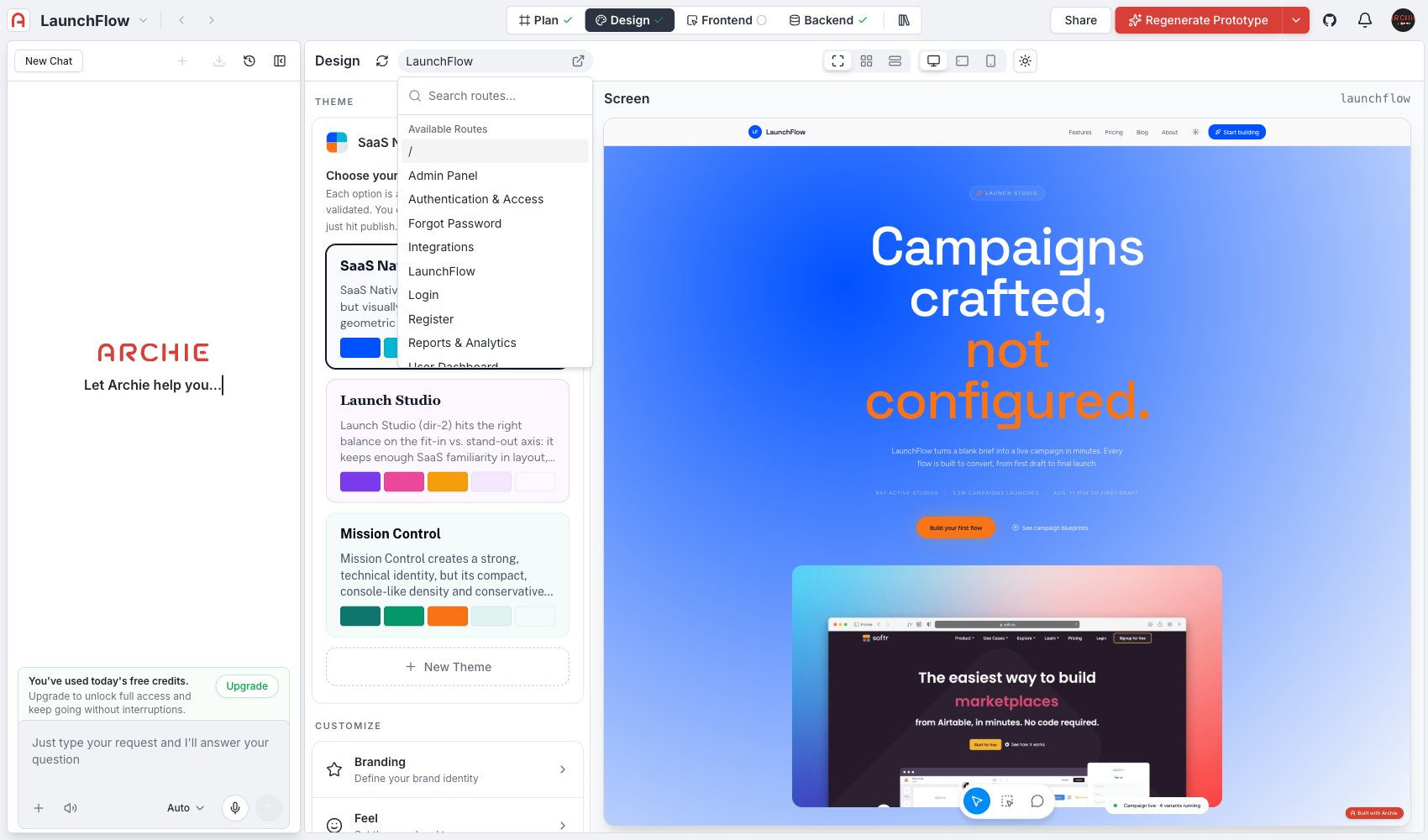
The page selector at the top of Design shows the current screen's name. Click it to search or browse the full list of **Available Routes** and jump to any screen.
 ## Checking devices and dark mode
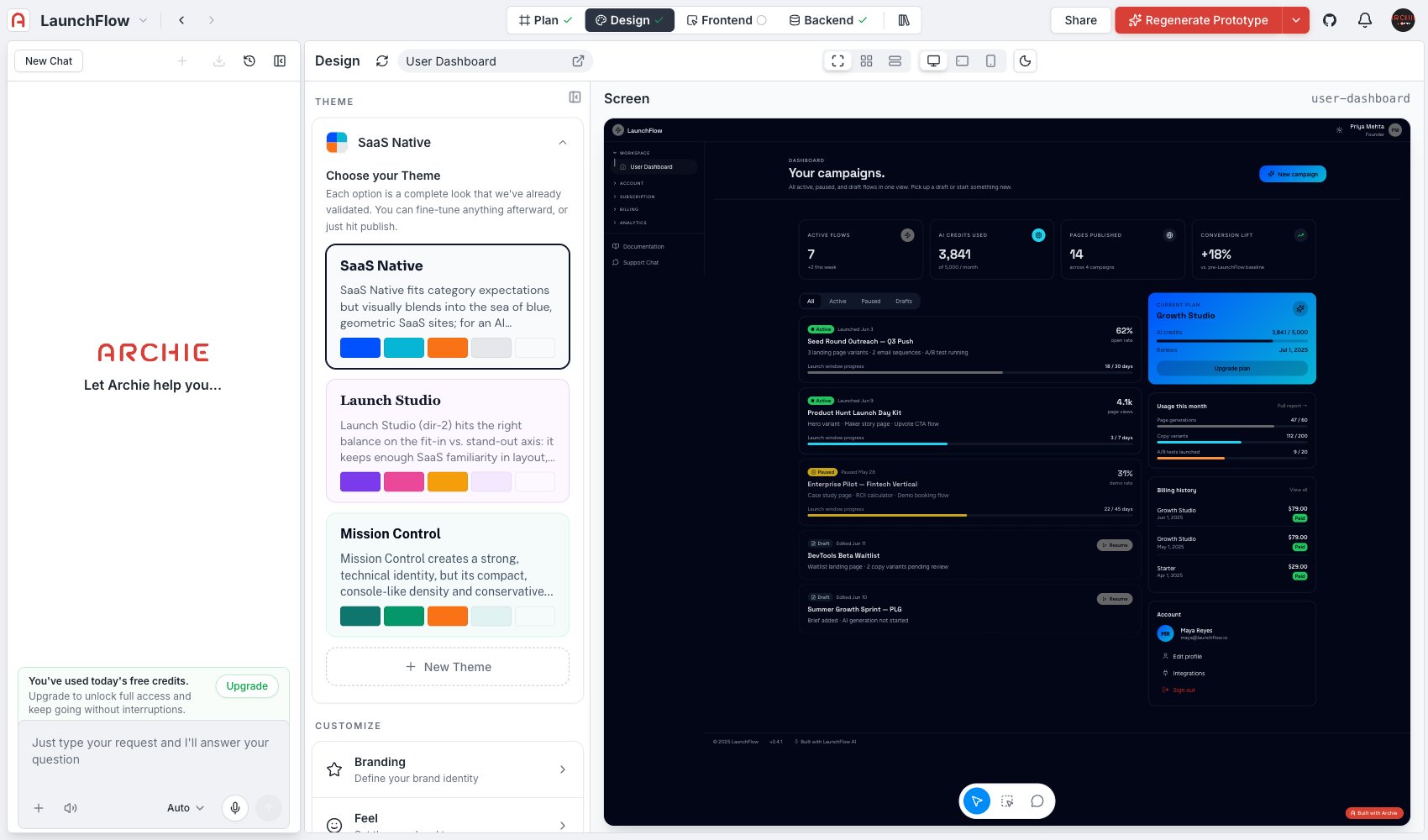
In [Screen view](/docs/features/design/screens/views#screen), use the device toggles — **Desktop**, **Tablet**, **Mobile** — to check the current screen at different viewport widths, and the light/dark toggle to preview it in either mode.
## Checking devices and dark mode
In [Screen view](/docs/features/design/screens/views#screen), use the device toggles — **Desktop**, **Tablet**, **Mobile** — to check the current screen at different viewport widths, and the light/dark toggle to preview it in either mode.
 ## Generation progress
The **Generated: X/Y** readout near the top of the page tracks how many of your blueprint's screens have been generated so far. Screens still pending show up flagged in [Sitemap](/docs/features/design/screens/views#sitemap).
## Previewing by user type
The **User Type** filter narrows every view to the screens relevant to a single user type from your blueprint — useful for reviewing an admin's experience separately from an end user's, without the rest of the app in the way.
## FAQ
No — it only changes what you see while working in Design, so you can review one audience's screens at a time. Actual access control for your app is defined in the blueprint's user types and enforced by the backend, not by this filter.
## Generation progress
The **Generated: X/Y** readout near the top of the page tracks how many of your blueprint's screens have been generated so far. Screens still pending show up flagged in [Sitemap](/docs/features/design/screens/views#sitemap).
## Previewing by user type
The **User Type** filter narrows every view to the screens relevant to a single user type from your blueprint — useful for reviewing an admin's experience separately from an end user's, without the rest of the app in the way.
## FAQ
No — it only changes what you see while working in Design, so you can review one audience's screens at a time. Actual access control for your app is defined in the blueprint's user types and enforced by the backend, not by this filter.